DESKTOP SOFTWARE / C# & .NET
Nibble
A small Windows browser. A complete application lifecycle.
An open-source browser built with C#, .NET 8, WPF, and Microsoft Edge WebView2, from tab interactions to installation and updates.
- BUILT WITH
- C# · .NET 8 · WPF · WebView2
- CONTEXT
- Released · Open source
- ENGINEER
- Dallen Larson
The problem
A desktop browser needs more than a page renderer. It needs predictable tab behavior, session recovery, installation, and a way to deliver updates. Nibble explores that application layer with a small Windows interface.
The engineering decision
I used WebView2 instead of bundling a separate Chromium distribution. This keeps the application download small and delegates browser-engine servicing to Microsoft. It also creates explicit dependencies: the .NET Desktop Runtime and WebView2 must be available. The application is small; its complete runtime environment is larger.
What I built
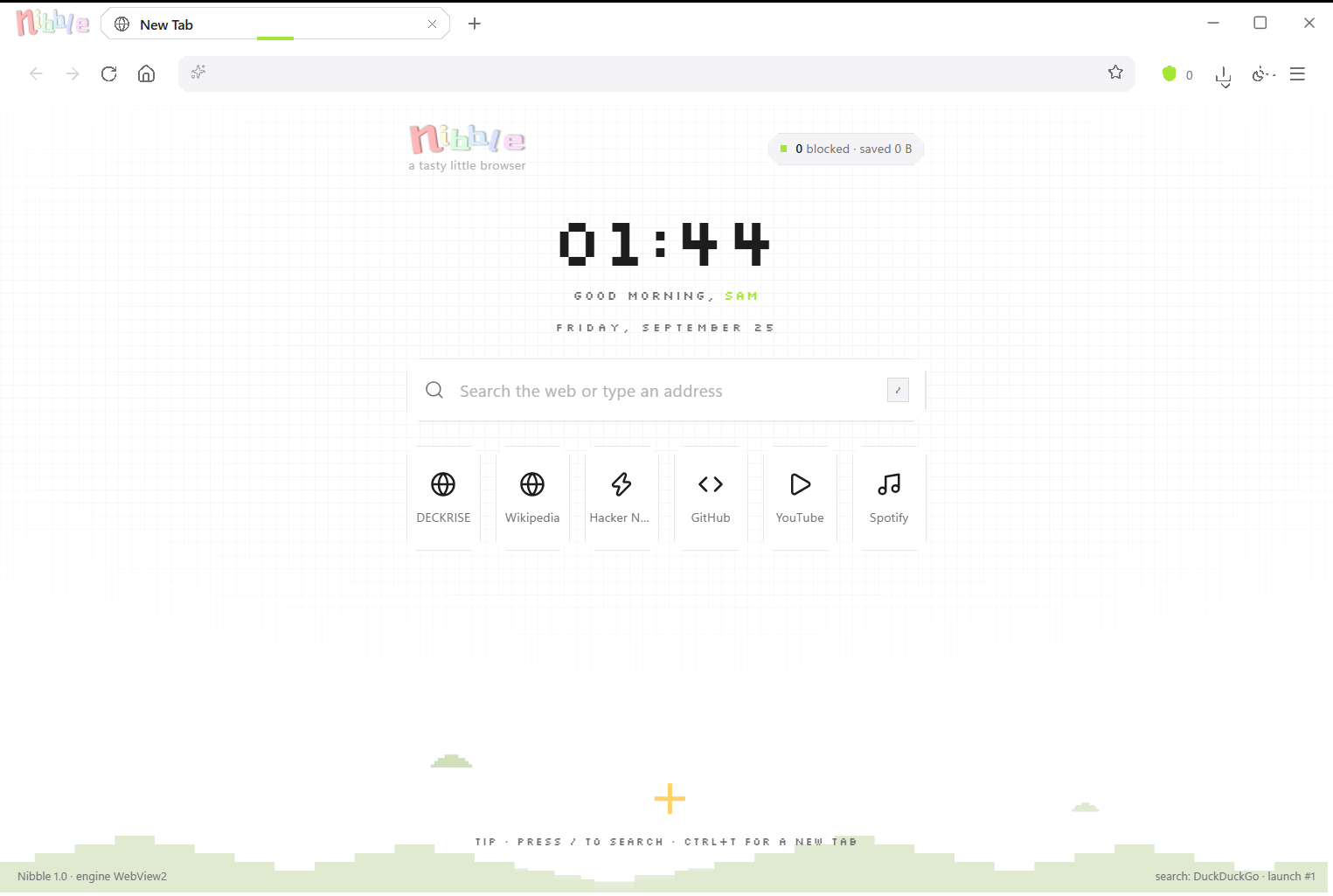
Tab management, themes, private windows, a command palette, and session restore sit alongside a per-user installer and release-feed update workflow. The project also handles Windows browser registration and passing links to an existing application instance.
Verification & boundaries
The repository documents build and packaging commands, desktop smoke tests, and interaction probes. The published build is unsigned, which can prevent installation on machines with strict application controls. Those constraints are documented alongside the release rather than hidden from users.
Where to review the work
Start with the README gallery and installation section, then review the packaging and verification tools. The source is available under the MIT license. The most useful engineering discussion is how UI behavior, Windows integration, and the update lifecycle fit together.